

NewBlue Titler Live 5 Broadcast Academic (Download)
Original price was: $147.00.$73.50Current price is: $73.50.
School Sales Only.Titler Live 5 Broadcast delivers affordable, broadcast-quality graphics and video overlays for television stations, sporting events, businesses, classrooms, event production studios, religious gatherings, town halls, virtual meetings, and more. Titler Live 5 Broadcast delivers unlimited layers of dynamic 3D animated graphics, including broadcast lower thirds, crawls, bugs, transitions, and scoreboards. Streamline your workflows and instantly elevate your production value with a more powerful, intuitive and affordable live broadcast graphics solution for sports, live media, corporate events, and more. NEW! Features of Version 5 include: New User InterfaceA modernized user interface (UI) which makes it dramatically easier to create beautiful, informative live video graphics and lower thirds. Google Sheets ControllerEasily transfer data to live graphics in TL. Google Sheets controller allows for unprecedented collaborative cloud-based control over spreadsheet data by directly accessing your spreadsheets in Google Drive. Google Slides ControllerTransform any Google Slides deck to a dynamic, live graphic. This feature allows you to access your web-hosted slides directly in TL, utilizing TLs transitions and animations. Microsoft Excel ControllerMicrosoft controller allows for unprecedented collaborative cloud-based control over spreadsheet data by directly accessing your spreadsheets in Sharepoint. Support for Media ClipsMany graphics productions need to be able to play video clips, audio clips, and still images. This feature includes options to loop, set in and out points, sequence, solo playback, and set the volume level. Multi Data EditingMulti data editing provides a straightforward and fast method to directly input and store multiple variations of data-sets for each of your graphics (such as a lower third) directly in-app. This feature eliminates the need to use external spreadsheets to drive graphics with multiple data-sets and provides a flexible and clean solution to empower users to create more dynamic broadcasts. Full range of Video SourcesIn addition to NDI, you can now input video from other available devices, including system webcams, screen capture, and Blackmagic DeckLink. Live video inputs can be accessed and controlled from the playlist, just like media clips and titles. Object FollowingIn many contemporary design styles, text boxes fit closely around text. Object Following automatically scales or moves your design elements according to other elements, such as the length/size of a text string. Rolling CreditsThe rolling credits feature generates smooth credit rolls with minimal setup. This erases the challenge of creating rolling credits without a flicker. Cache Preview in Title DesignerCache preview allows you to view titles exactly as they will play-out from inside the Title Designer. This feature is especially useful for NTX playback features, such as loops and crawls, which previously couldnt be previewed in the Title Designer. PTZ CamerasUse PTZ Cameras as live video sources. Functionality includes basic camera control from within TL5, and the ability to save camera presets. Executive CollectionThe Executive Collection is a new graphics template pack, which is designed for use in corporate spaces. This collection includes main titles, lower-thirds, and other graphics that are applicable to any production. Graphics Library RefreshOverhaul of all existing graphics families in TL5. Adds over 100+ graphics along with many graphics reworks. Other Features include: Deliver Unlimited GraphicsDisplay unlimited layers of 3D animated graphics per channel on up to 16 channels of 4K-NDI or 4K-SDI key/fill. Experience real-time playout and gain more control over your graphics with TriCaster macro controls, automated graphic sequencing, data search tools, hotkey functions and more. Integrate with Leading SolutionsSeamlessly work with leading NDI and SDI-based streaming solutions including Wirecast, NewTek, Broadcast Pix, EVS, Lumantek, vMix, Blackmagic Design, Roland, Panasonic and more. Leverage Any DesignImport existing graphics from any design source, including Adobe Photoshop and After Effects or customize ready-to-use designs in the Title Designer. Deliver 3D animated main titles, tables, lower thirds, crawls, bugs, scoreboards, statistics, social content and more. Control with a Stream DeckConnects directly with the Elgato Stream Deck and displays your title graphics directly on the keys for fast visual graphics control. Titler Live 5 Broadcast introduces new workflows to help you get started quickly and easily make changes on the fly. Empowering you to design, set up, and playout your graphics in one complete broadcast solution. Design: Drag and drop included design templates onto your playlist or import your own designs from Adobe Photoshop and After Effects. Flexibly edit text, color, and images right in the Edit/Preview window. Connect: Easily connect data to your graphics to streamline your set up. Drag and drop data inputs or variables onto any part of a design to repurpose it as you need. Even connect multiple inputs to a design. Go Live: Quickly make animated updates to your live graphics on the fly. Deliver unlimited simultaneous graphics on up to 16 channels. With Titler Live 5 Broadcast, you can weamlessly connect to your data to prepare dynamic graphics for any stream or broadcast. Control your graphics with our powerful API to customize your workflows, too. Bring in Spreadsheets, XML, RSS and MoreConnect to Google Slides and Sheets, Excel spreadsheets and tables, XML files, RSS feeds, clocks, and more. Use the data search and select tool to quickly bring spreadsheet data into a design. Leverage spreadsheet autoplay mode to run-through your lower thirds, tables, and crawls. Integrate with Social MediaEngage your audience with comments, tweets, and Facebook comment and reaction polling. Combine your Facebook, Twitter, and YouTube feeds into one to easily manage your show. Quickly queue your most relevant comments and posts into a custom social playlist. Show Scoreboards and StatisticsBring in scoreboard data from DataLink, Stat Crew, or Sportzcast. Stat Crew statistics inputs support football, soccer, volleyball, basketball, and hockey. Features and Specifications: Control Real-time playout Live animated updates per layer Automated sequencing & looping Spreadsheet and crawl autoplay mode Hotkey functionality Data search & select tool TriCaster macro control Outputs 16 channels Unlimited layers per channel Unlimited simultaneous live layers 4K-NDI 4K-SDI key/fill (Blackmagic and AJA) PNG sequence support HDMI OBS Watch Folder NewTek Airsend Inputs API support Excel spreadsheets Spreadsheet table support Google Slides and Sheets NEW Stat Crew statistics football, soccer, volleyball, basketball and hockey Stat Crew scoreboards Daktronics scoreboards Sportzcast scoreboards Facebook Live comments Facebook Live comment polling Facebook Live reaction polling Twitter tweets YouTube Live chats GameWisp Stream Labels Streamlabs Tiltify Twitch Clocks Text files RSS feeds CSV spreadsheets Design 3D animated graphics Animations, effects & transitions Native 4K resolution Adobe After Effects import Adobe Photoshop import Title Designer interface Sports & scoreboard packages Social media & polling packages Tables Lower thirds Crawls Main titles Motion bugs
Related products
-
Sale!

Schlage J Series J54V LAS 605 Entry Lever Mechanical Lock Bright Brass Metal Residential 3 Grade
Original price was: $36.05.$28.84Current price is: $28.84. -
Sale!
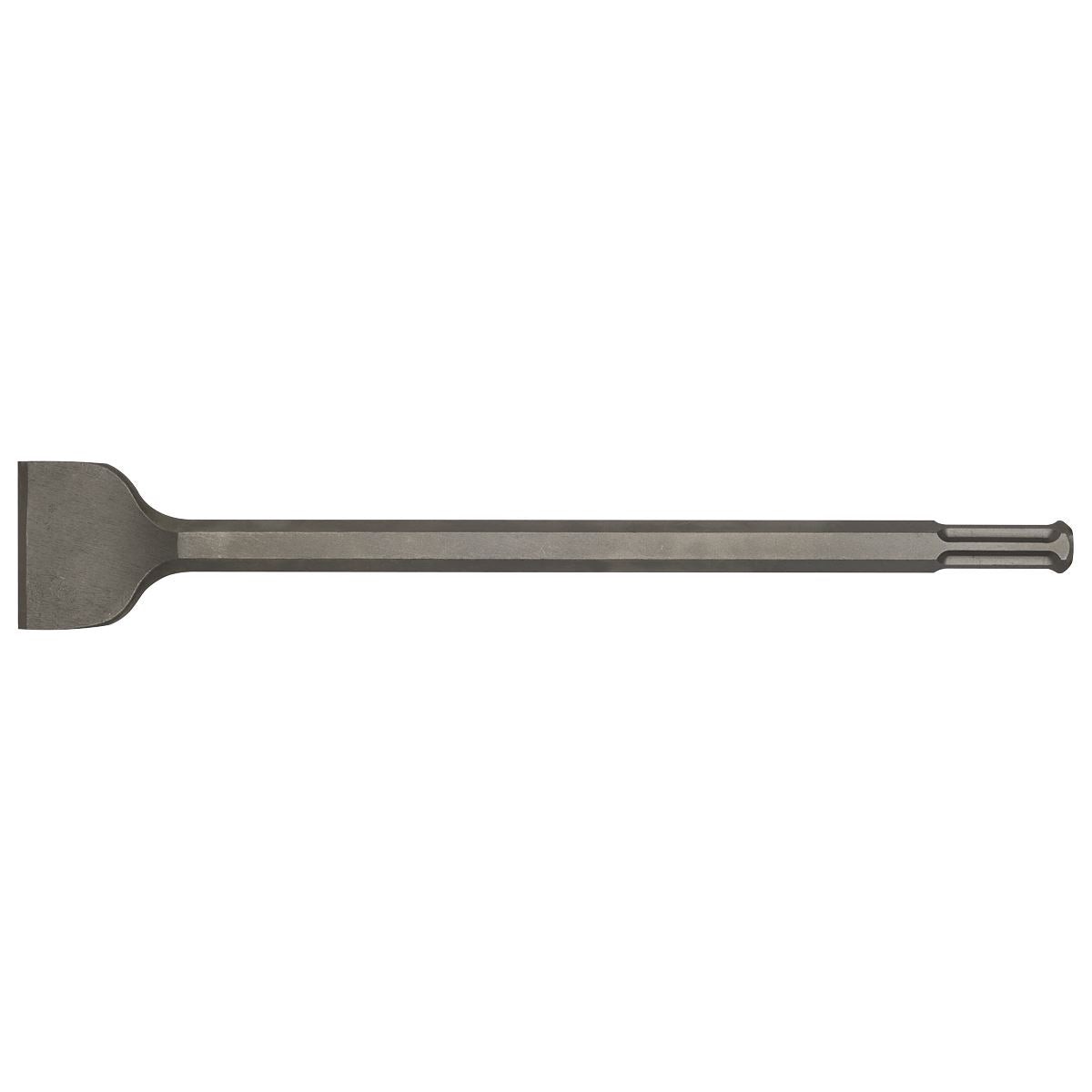
Sealey Wide Chisel 80 x 390mm – Hilti TP805/TE905/TE1000 G2WC
Original price was: $49.00.$39.20Current price is: $39.20. -
Sale!
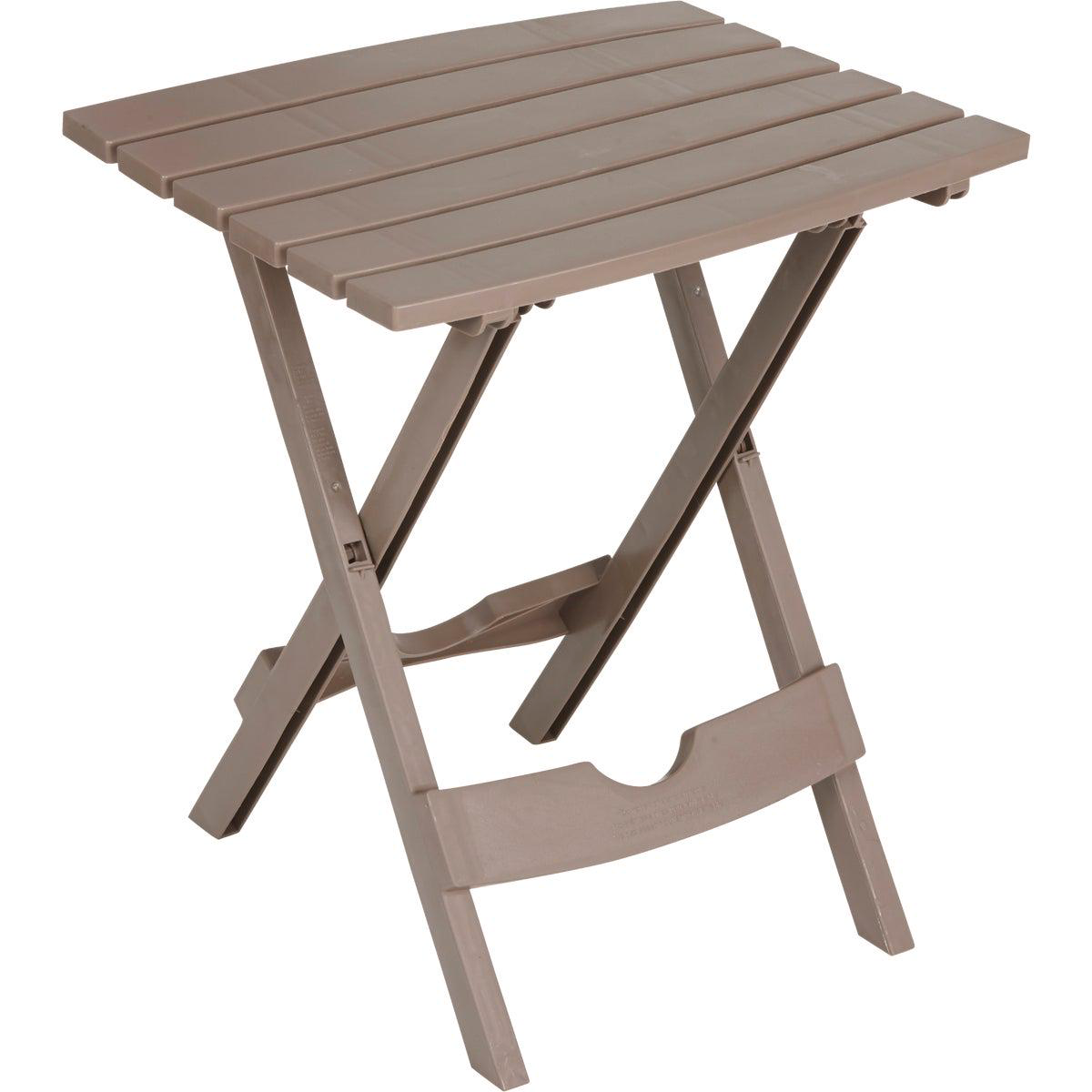
Adams Quik-Fold Portobello 15 In x 175 In Rectangle Resin Folding Side Table
Original price was: $17.59.$14.07Current price is: $14.07. -
Sale!
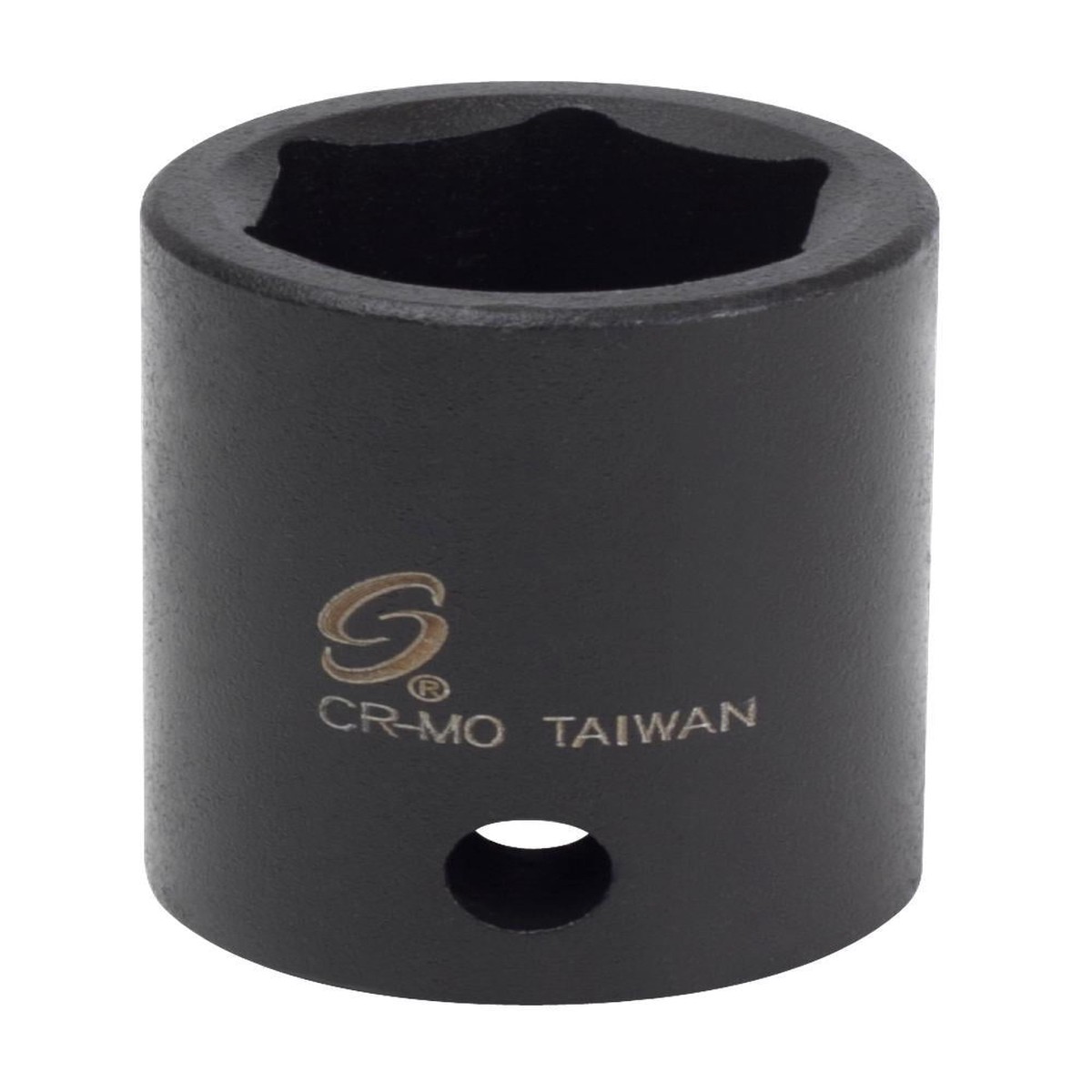
1/2″ DRIVE 18MM IMPACT SOCKET
Original price was: $5.87.$4.70Current price is: $4.70.

Reviews
There are no reviews yet.